Building an offline-first desktop client for Indian hospitals
When the internet drops, the front desk cannot stop. What an offline-first hospital client has to get right, and how Carexa OS handles it.
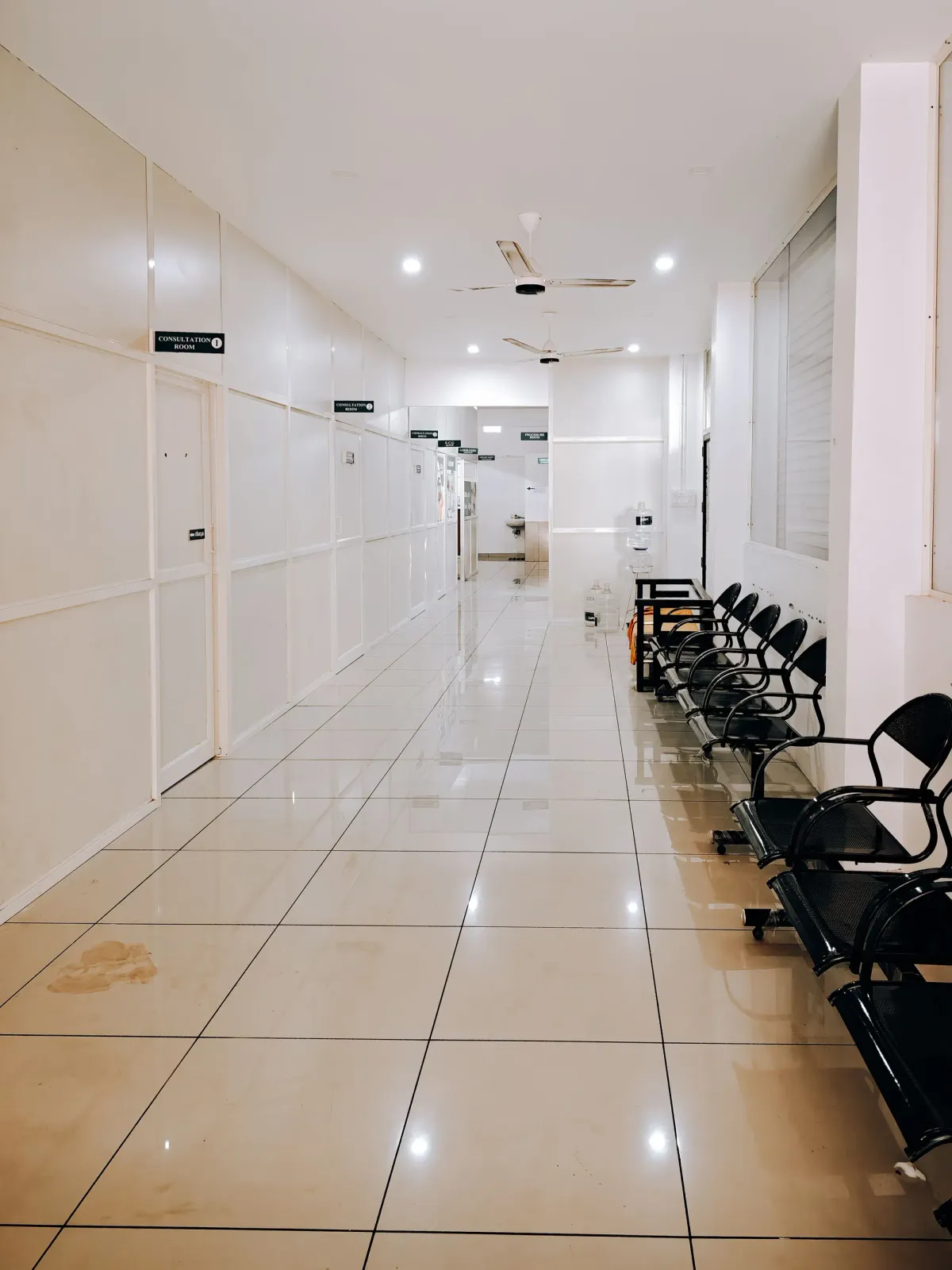
In many Indian hospitals, the internet will go down at some point during the day. A fibre cut, a power trip on the router, a monsoon afternoon. When it does, the front desk cannot stop registering patients, the OPD cannot stop seeing them, and billing cannot stop taking payments. That is why Carexa OS has a desktop client that keeps working offline.
What "offline-first" has to mean
It is not enough for the screen to stay open. An offline client is only useful if staff can keep doing real work, and if that work arrives safely in the main system later. That comes down to a few things any offline-capable hospital system has to get right.
1. Work saves locally, immediately
Every registration, consultation and bill is saved on the computer first, so a dropped connection never loses work and never makes staff wait for the network.
2. Changes are queued, then sent in order
While offline, changes wait in a queue. When the connection returns, they are sent automatically, in the order they happened, and each one is confirmed by the server. Only the changes are sent, not everything again, which keeps sync quick on a slow connection.
3. Records can be created safely offline
A patient registered offline still needs a unique identity. Identifiers have to be created in a way that cannot clash with records made at another counter or by the server in the meantime.
4. Conflicts are handled deliberately
Sometimes the same record changes in two places while one of them is offline. The system needs a clear rule for each kind of data: some changes can be merged, and some need a person to decide. Silent overwrites are not acceptable for clinical or billing records.
5. Staff can always see the state
A clear indicator shows whether the client is online, and how many changes are waiting to sync. Nobody should have to guess whether a bill has reached the server.
6. Local data is protected like the server's
Patient data on a counter computer deserves the same care as data in the cloud: access only for signed-in staff, and nothing left behind that should not be.
In Carexa OS
The Carexa desktop client keeps reception, OPD and billing running locally when the internet goes down. It keeps a local cache and, when the connection returns, syncs only the changes to the cloud automatically. See offline and edge features.