
Specialty packs
Tuned to how each specialty actually practises.
Twenty specialty packs, each with its own templates, observation profiles, order sets, billing codes and printouts. All of them run on the same patient record.
- Specialty packs
- 20
- Patient record
- One, shared by every department
- Hospital plan
- All 20 packs included
In practice
Built the way specialists work.
Pick a specialty to see its chart: studies, trends, orders and the care plan on one screen. Screens are illustrative, with sample data.
For cardiology OPDs, cath labs and CCUs
Cardiology
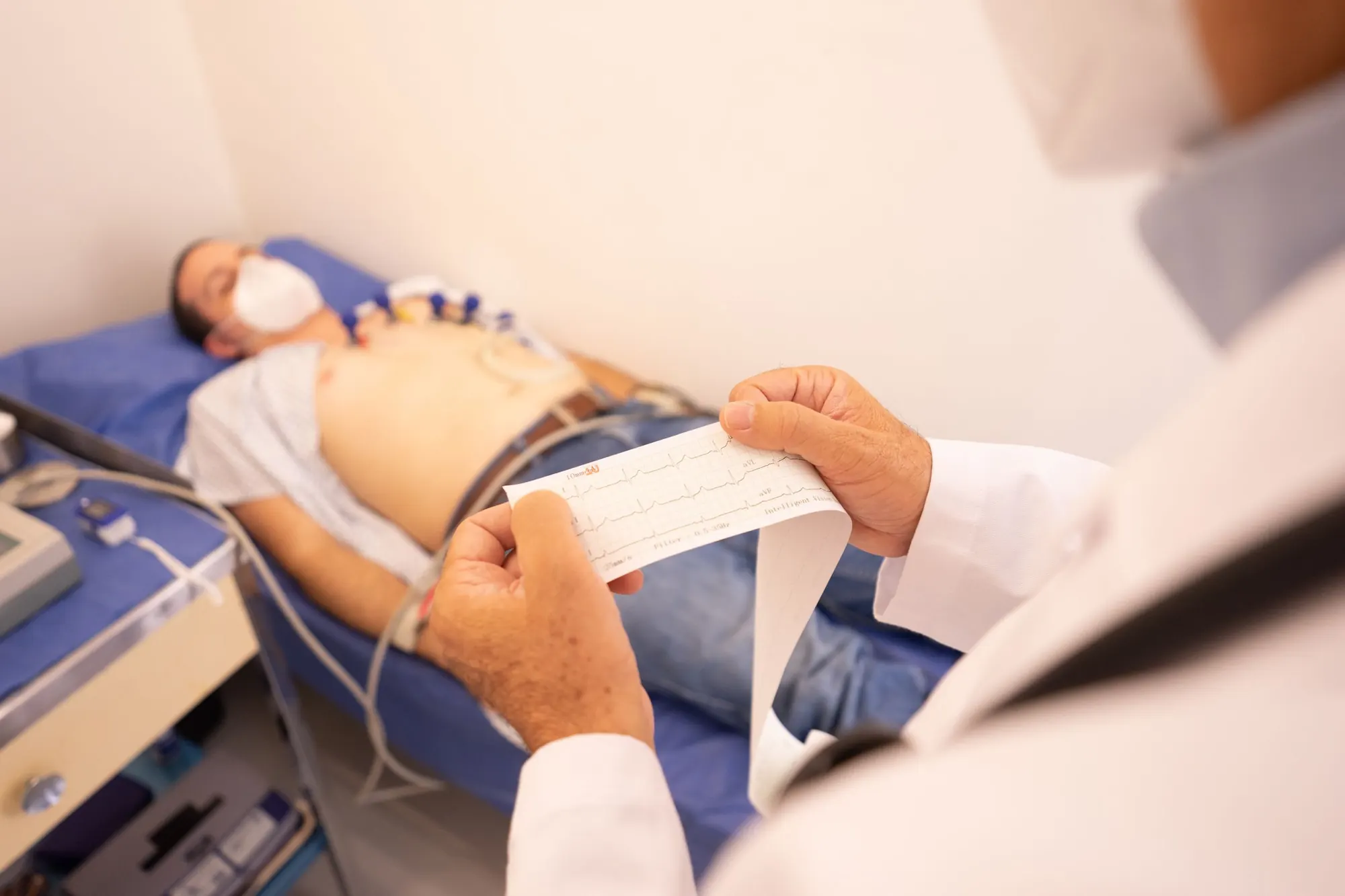
From the ECG room to the cath lab and the CCU, cardiology work is recorded in one place, on the same record as the rest of the hospital.
- ECG, TMT and echo workflows
- Cath lab log
- CCU charting
- Heart-failure care-plan templates
- CV risk calculators
Illustrative screen. Names and values are sample data.
| Date | Study | Finding | Status |
|---|---|---|---|
| Today | Resting ECG | Compare with 04 Jun | Reported |
| 04 Jun | Echo | LVEF 50%, mild LVH | Reported |
| 12 Mar | TMT | Negative at target HR | Reported |
| 10 Jan | Cath lab | PCI to LAD, 1 stent | Logged |
For ortho OPDs, trauma and joint-replacement theatres
Orthopaedics
Implants are linked to the OT log, and the patient's physiotherapy and recovery scores follow them from clinic to theatre to rehab.
- Implant master
- Pre-op planning
- OT log
- Physiotherapy scheduling
- Post-op recovery scoring
Illustrative screen. Names and values are sample data.
| Item | Detail | Status |
|---|---|---|
| Procedure | Total knee replacement, right | Done |
| Femoral component | From implant master | Recorded |
| Tibial component | From implant master | Recorded |
| Patellar button | From implant master | Recorded |
For eye hospitals, cataract theatres and optical counters
Ophthalmology
Refraction, imaging, cataract surgery and contact-lens dispensing all work from the same eye record.
- Refraction grid
- IOL calculator
- OCT and fundus image library
- Cataract OT log
- Contact-lens dispensing
Illustrative screen. Names and values are sample data.
| Eye | Sphere | Cylinder × axis | Vision |
|---|---|---|---|
| Right, distance | −1.25 | −0.50 × 180 | 6/12 |
| Left, distance | −1.00 | DS | 6/9 |
| Right, near add | +2.50 | N6 | |
| Left, near add | +2.50 | N6 |
For maternity hospitals, labour rooms and gynae OPDs
Obstetrics & Gynae
The antenatal card builds visit by visit, the partogram is charted in the labour room, and postpartum follow-up is booked before discharge.
- ANC card
- Partogram
- LMP and EDD calculators
- IVF cycle tracking
- Postpartum follow-up
Illustrative screen. Names and values are sample data.
| Visit | Gestation | BP | Notes |
|---|---|---|---|
| 14 Feb | 12 weeks | 110/70 | Dating scan done |
| 10 Apr | 20 weeks | 112/72 | Anomaly scan normal |
| 05 Jun | 28 weeks | 118/76 | GTT raised |
| Today | 30 weeks | 116/74 | Diet review |
For fertility centres and embryology labs
IVF / Reproductive
Each cycle runs on a calendar, and the embryology lab records grading and cryo storage on the same record as the clinic.
- Cycle calendar
- Embryo grading
- Cryo storage
- Donor programme
- Cycle-outcome dashboards
Illustrative screen. Names and values are sample data.
| Day | Step | Detail | Status |
|---|---|---|---|
| Day 2 | Baseline scan | Stimulation started | Done |
| Day 6 | Follicle scan | Dose reviewed | Done |
| Day 9 | Follicle scan | Trigger planned | Today |
| Day 11 | Egg collection | Theatre booked | Planned |
For dental clinics and multi-chair practices
Dental
The odontogram records findings and treatment tooth by tooth, and everything else is tracked from the same chart.
- Odontogram
- Perio chart
- Prescriptions for analgesics and antibiotics
- Lab work tracking
- Imaging integration
Illustrative screen. Names and values are sample data.
| Tooth | Finding | Treatment | Status |
|---|---|---|---|
| 46 | Deep caries | Root canal, crown | In progress |
| 16 | Caries | Composite filling | Planned |
| 38 | Partially erupted | Review | Watch |
| All | Calculus | Scaling | Done |
For paediatric OPDs, neonatal units and well-baby clinics
Paediatrics
Growth, doses and vaccines are tracked visit by visit, from the neonatal unit to school age.
- Growth charts (WHO and IAP)
- Weight-based dosing
- Immunisation schedule
- Neonatal vitals
- School-readiness templates
Illustrative screen. Names and values are sample data.
| Vaccine | Due | Given | Status |
|---|---|---|---|
| MMR 2 | 15 months | 12 Feb | Given |
| DTwP booster 1 | 16 to 18 months | 12 Feb | Given |
| Typhoid conjugate | 2 years | Today | Given today |
| DTwP booster 2 | 4 to 6 years | Due later |
All specialties
20 packs, one patient record.
Each specialty has its own page. Filter by area, or type a name.
Heart, lungs, kidneys & brain
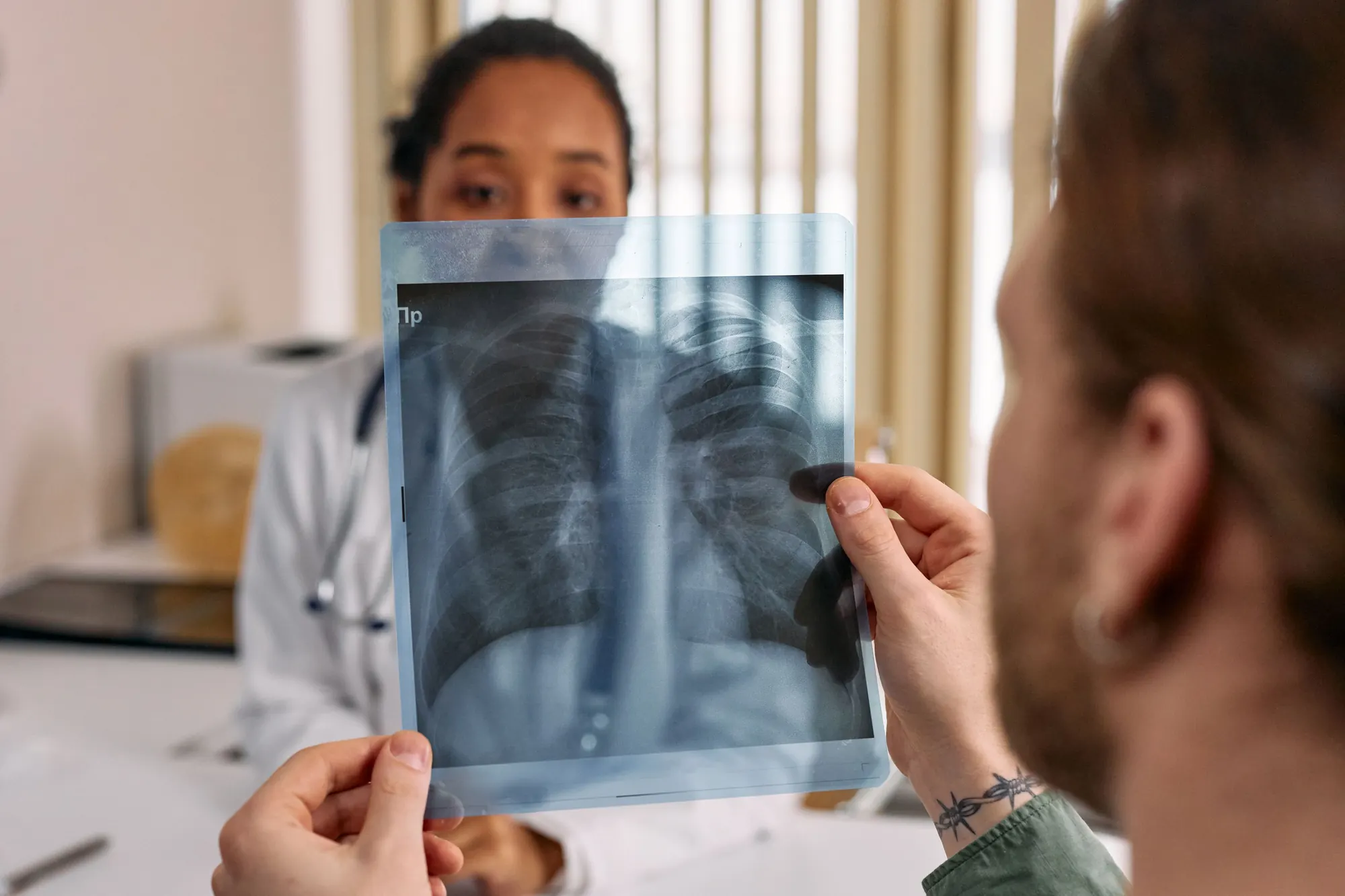
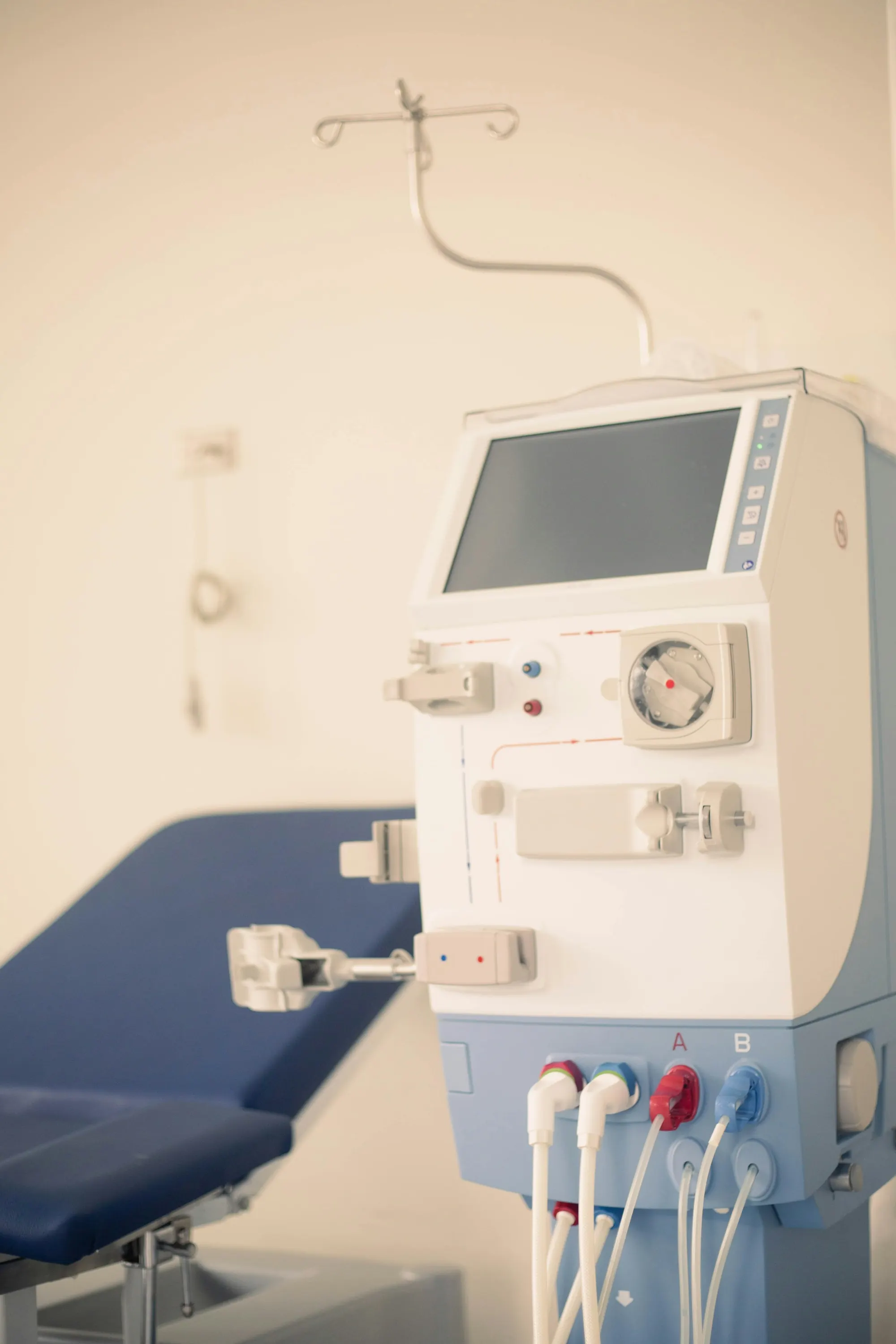
Long-term & cancer care

Surgery, eye, ENT & dental
Women & children

Skin & aesthetics

No pack matches that yet. Tell us about your specialty and we will show you how a pack is configured for it.
What's in a pack
Not a generic EHR with a specialty label.
A pack is five things layered on the shared patient record. Switching a pack on changes what the department sees and prints, not where the data lives.
- TemplatesVisit notes, assessments and procedure records laid out the way the specialty writes them.For example: ANC card · odontogram · audiogram
- Observation profilesThe measurements the specialty tracks over time, charted and trended on the record.For example: Growth charts · Kt/V · spirometry
- Order setsCommon orders grouped so a full work-up is placed in one step.For example: Chemotherapy regimens · stroke pathway
- Billing codesTariffs and packages that match how the specialty charges.For example: Per-session dialysis · derm-cosmetic packages
- PrintoutsReports, prescriptions and cards ready to print, in English or an Indian language.For example: ECG report · immunisation card
One patient, many specialties
Every specialist adds to the same record.
Packs change the screens, not the record underneath. When a patient moves between departments, history, medicines and results go with them.
Endocrinology
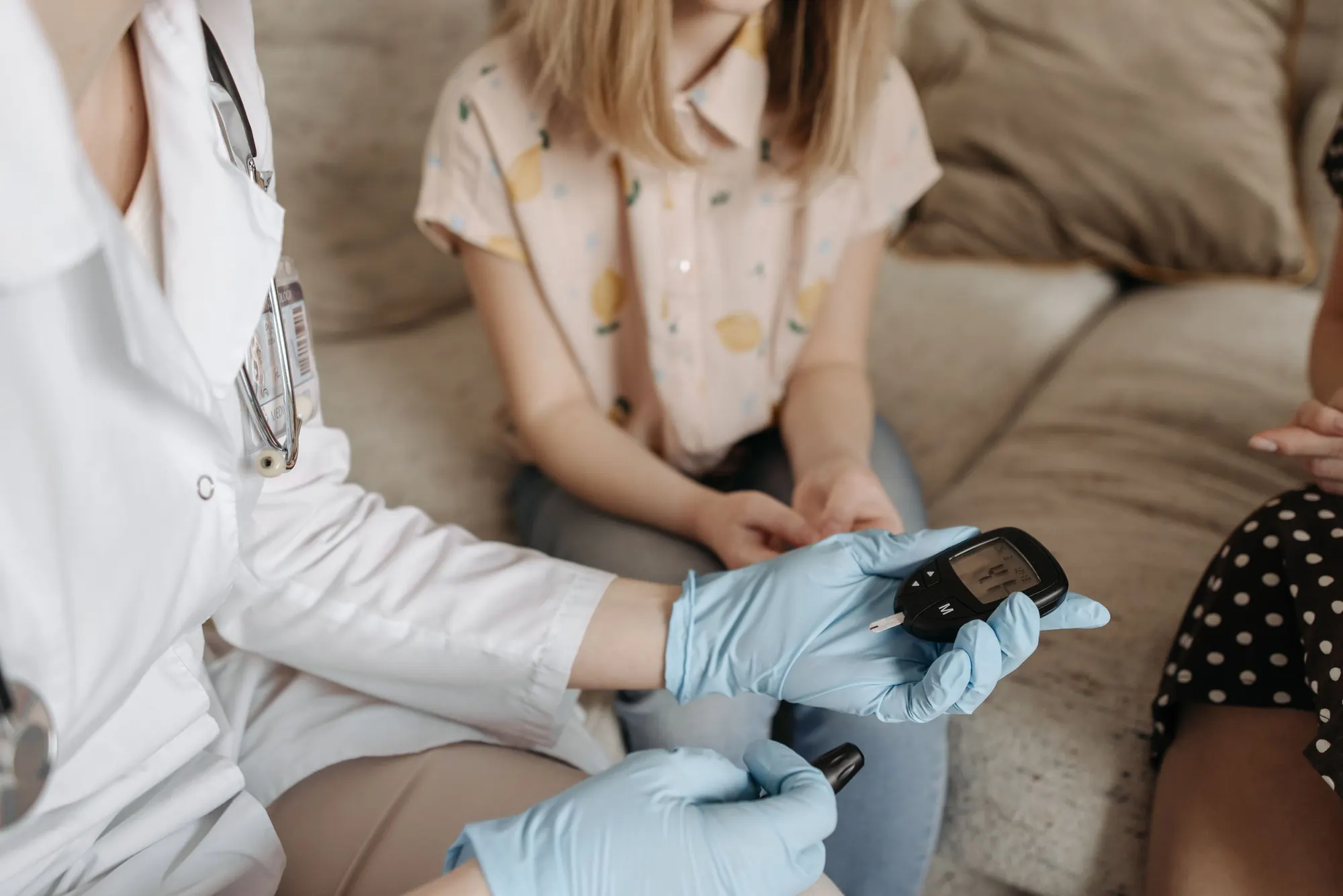
Diabetes care plan and insulin titration start in the diabetes clinic.
Ophthalmology
The eye team adds fundus images to the same record for retinal review.
Nephrology
Kidney follow-up is booked, with results visible to the diabetes clinic.
Cardiology
The cardiologist runs a CV risk calculator on history already in the chart.
Illustrative example of a patient with type 2 diabetes.
Plans
Which plans include specialty packs.
Which packs you get depends on your plan.
Compare plans and pricesClinic
Solo doctor, 1 to 10 beds
General OPD workflows
Clinic Plus
Multi-doctor, 10 to 30 beds
One specialty pack
Hospital
30 to 500 beds
All 20 packs
Enterprise
500+ beds and hospital groups
All 20 packs
How a pack goes live
- 01
Pick your packs
Choose the specialties your hospital runs. Hospital and Enterprise plans include all of them.
- 02
Set up
Templates, tariffs and printouts are set up for your hospital during onboarding.
- 03
Train each department
Every team learns on its own pack, with its own screens.
- 04
Go live
Go-live support is included in every plan. Add more packs later as departments open.
Questions
Specialty packs, answered.
Can we run more than one specialty pack?
Yes. Hospital and Enterprise plans include all 20 packs, so every department can use its own. Clinic Plus includes one pack.
Do packs split the patient record?
No. Every pack works on the same patient record. A referral from one department to another carries the history, medicines and results with it.
Can the templates match our existing forms?
Templates are set up for your hospital during onboarding. Bring your current forms to the demo and we will show you how they map to the pack.
How is sensitive information handled, for example in psychiatry?
The psychiatry pack includes privacy-tier access, so session notes can be limited to the clinicians who need them. Access across the record follows role-based permissions.
What if my specialty isn't listed?
Talk to us. Walk us through your workflow, and we will show you how a pack is configured for it.
See your specialty in Carexa.
Tell us which departments you run. We will show you their packs working on one record. Don't see your specialty? Walk us through your workflow.
A 30-minute call with a product specialist. We reply within one working day.