Specialty pack
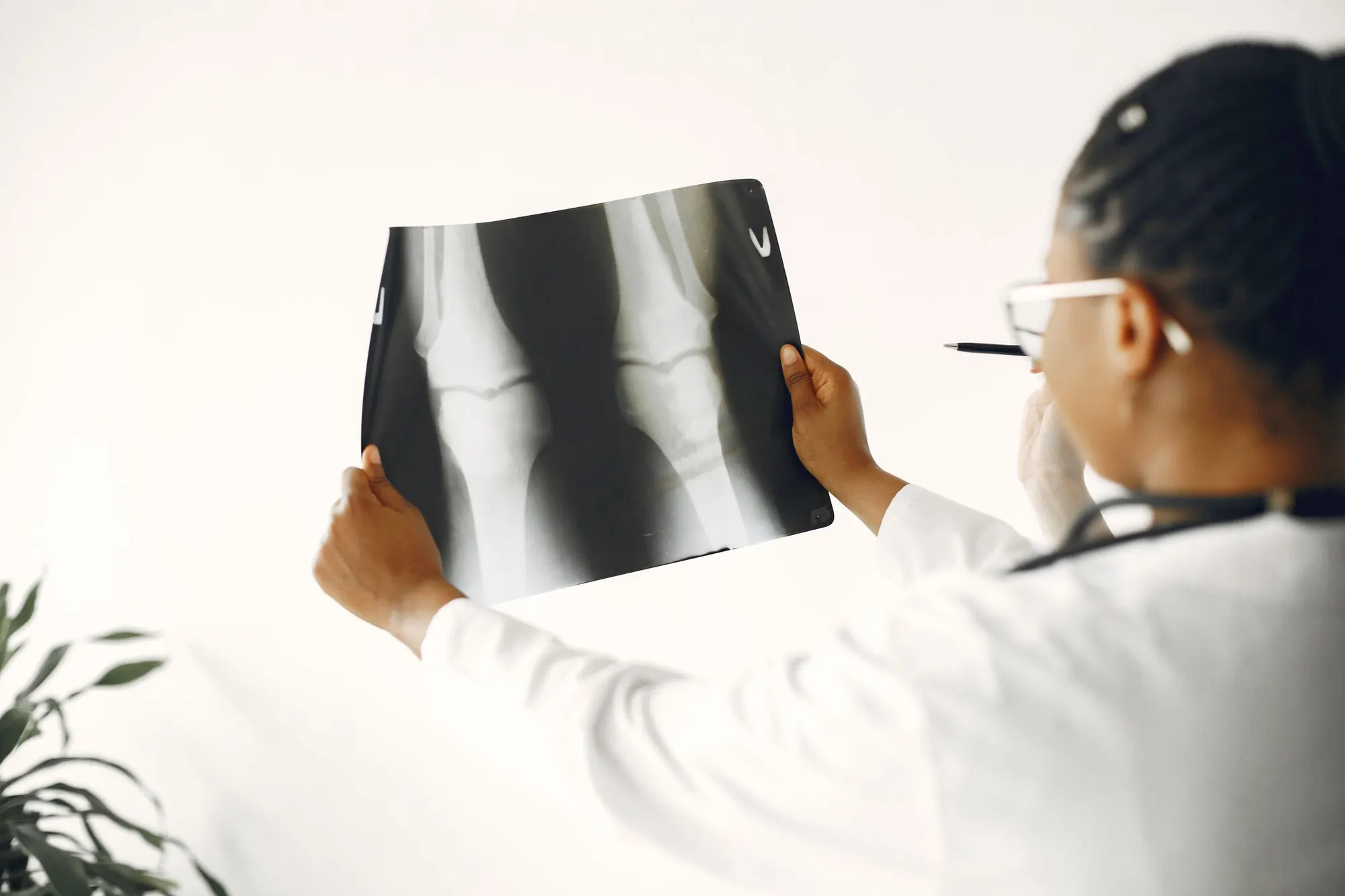
Orthopaedics
Implants are linked to the OT log, and the patient's physiotherapy and recovery scores follow them from clinic to theatre to rehab.
- Built for
- Ortho OPDs, trauma and joint-replacement theatres
- Area
- Surgery, eye, ENT & dental
- Included in
- Hospital and Enterprise plans
Overview
Built for ortho OPDs, trauma and joint-replacement theatres.
The Orthopaedics pack sets up the screens, forms and charges your Orthopaedics team uses every day. It runs on the same patient record as every other department, so nothing is entered twice.
Orthopaedics templates
Visit notes, assessments and records laid out the way the Orthopaedics team works.
One patient record
Referrals to and from other departments carry history, medicines and results with them.
Ready for Indian billing
Tariffs and packages on GST-ready invoices, with ABHA registration at the front desk.
Product tour
The Orthopaedics chart, in one view.
Studies, trends, orders and the care plan for one patient, on the same record the rest of the hospital uses.
Illustrative screen. Names and values are sample data.
| Item | Detail | Status |
|---|---|---|
| Procedure | Total knee replacement, right | Done |
| Femoral component | From implant master | Recorded |
| Tibial component | From implant master | Recorded |
| Patellar button | From implant master | Recorded |
Capabilities
What the Orthopaedics pack includes.
5 capabilities, each working on the shared record alongside lab, pharmacy, billing and the rest of the hospital.
Implant master
Implants are picked from a master list in theatre instead of being typed by hand. The same entry links to the patient, the operation and the bill.
- Choose implants from one master list
- No free-text implant names
- Linked to the OT log and the bill
Pre-op planning
Each operation is planned before the patient reaches theatre, with the side, procedure and implants set out. The theatre team works from the same plan.
- Side and procedure recorded in advance
- Planned implants listed
- Plan visible to the theatre team
OT log
The OT log records each operation with the implants used. The entry stays on the patient's record for follow-up, revision or audit.
- Every operation in the OT register
- Implants used recorded per case
- Available at follow-up visits
Physiotherapy scheduling
Physiotherapy sessions are booked after surgery from the same record. The physiotherapist sees the operation and the surgeon sees how rehab is going.
- Book sessions from the surgical record
- Sessions done and left in view
- Shared between surgeon and physiotherapist
Post-op recovery scoring
Recovery is scored at follow-up visits, so progress after surgery is recorded the same way each time. Scores sit alongside the OT log and rehab notes.
- Score recovery at each follow-up
- Trend scores over time
- Next to the OT log and rehab notes
Your team
One pack, every role in the department.
Each person sees the screens for their job. Access follows role-based permissions, and every change is in the audit trail.
Orthopaedic surgeons
Plan operations, record implants in the OT log, and score recovery at follow-up.
OT team
Work from the pre-op plan and record implants used from the master list.
Physiotherapists
See the operation, run the booked sessions, and record progress on the same record.
Stores and billing
Track implant stock and bill the surgery and implants on a GST-ready invoice.
How it works
A Orthopaedics visit, start to finish.
An illustrative outpatient visit. Inpatient, theatre and day-care work follow the same record.
- Step 1
Register
The patient is registered once at the front desk, with ABHA if they have one.
- Step 2
Consult
The doctor works in the Orthopaedics templates: implant master and pre-op planning.
- Step 3
Order and review
Tests and procedures are ordered from the chart, and results come back to it.
- Step 4
Bill and follow up
Charges go to a GST-ready bill, and the next visit is booked before the patient leaves.
Works with
Connected to the whole hospital.
The Orthopaedics pack uses the same platform modules as every other department. These are the ones it leans on most.
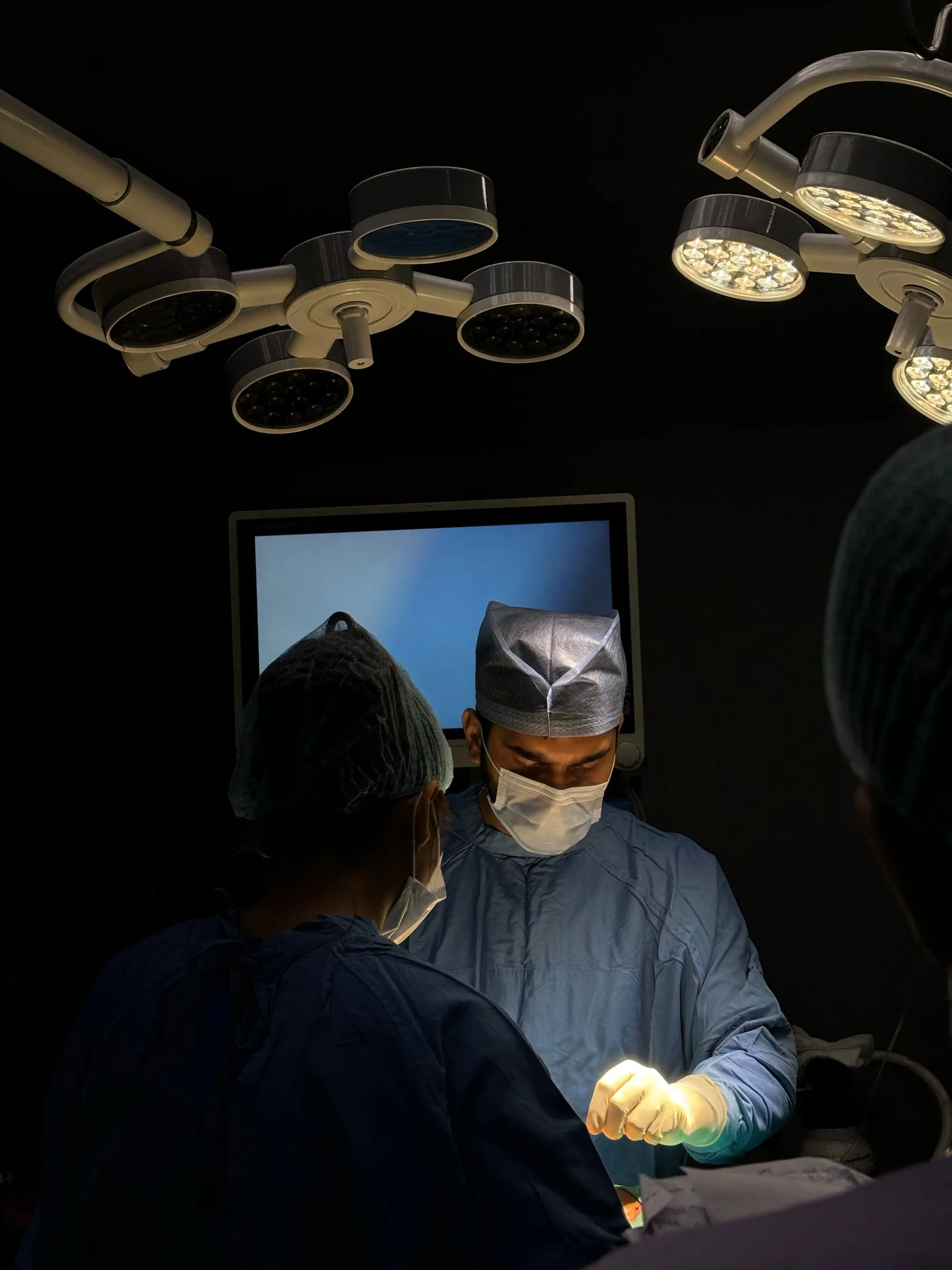 OT & anaesthesiaTheatre lists, anaesthesia records and the OT register.Explore
 Radiology / RISImaging orders, worklists and reports.Explore
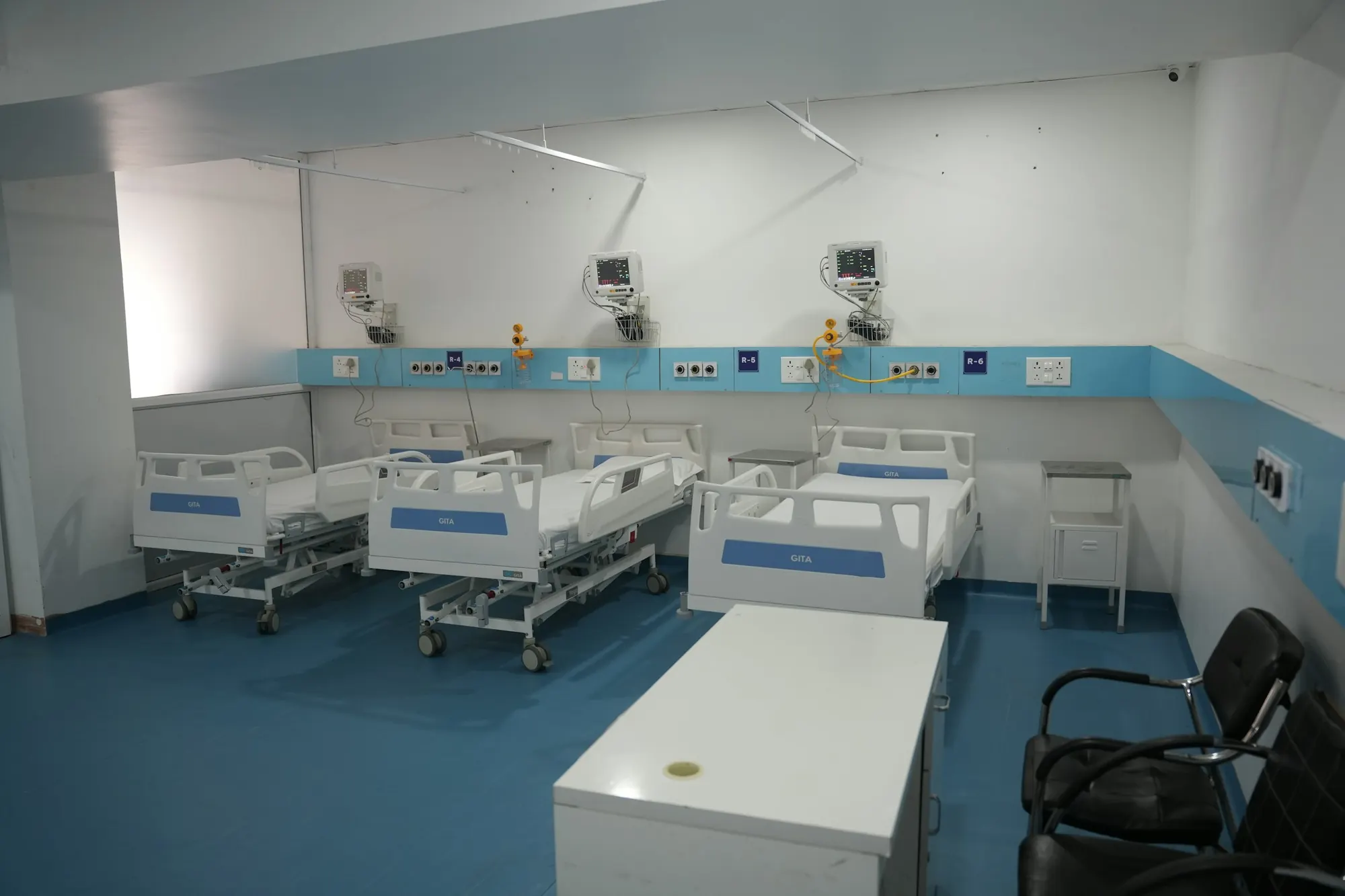 IPD & bedsAdmissions, beds, ward rounds and discharge.Explore
 Inventory & storesStock, consumables and implants across stores.Explore
Inside every pack
Templates
Visit notes, assessments and procedure records laid out the way the specialty writes them.
Observation profiles
The measurements the specialty tracks over time, charted and trended on the record.
Order sets
Common orders grouped so a full work-up is placed in one step.
Billing codes
Tariffs and packages that match how the specialty charges.
Printouts
Reports, prescriptions and cards ready to print, in English or an Indian language.


Questions
Orthopaedics, answered.
Which plans include the Orthopaedics pack?
Hospital and Enterprise plans include all 20 specialty packs. Clinic Plus includes one specialty pack.
Does the Orthopaedics pack use a separate patient record?
No. It works on the same patient record as every other department, so referrals carry the history, medicines and results with them.
Can the Orthopaedics templates match our existing forms?
Templates are set up for your hospital during onboarding. Bring your current forms to the demo and we will show you how they map to the pack.
Are implants linked to the patient and the operation?
Yes. Implants are picked from the implant master and recorded in the OT log against the patient and the case.
Can physiotherapy be booked after surgery?
Yes. Physiotherapy sessions are scheduled from the same record, and the surgeon can see how many are done.
See the Orthopaedics pack on your workflows.
A 30-minute walkthrough of the Orthopaedics pack, using your own forms and the way your team works today.
A 30-minute call with a product specialist. We reply within one working day.