Designing the OPD dispensing workflow
How we think about the OPD pharmacy counter: start from the prescription, choose the right batch, get GST right, and design for the queue.
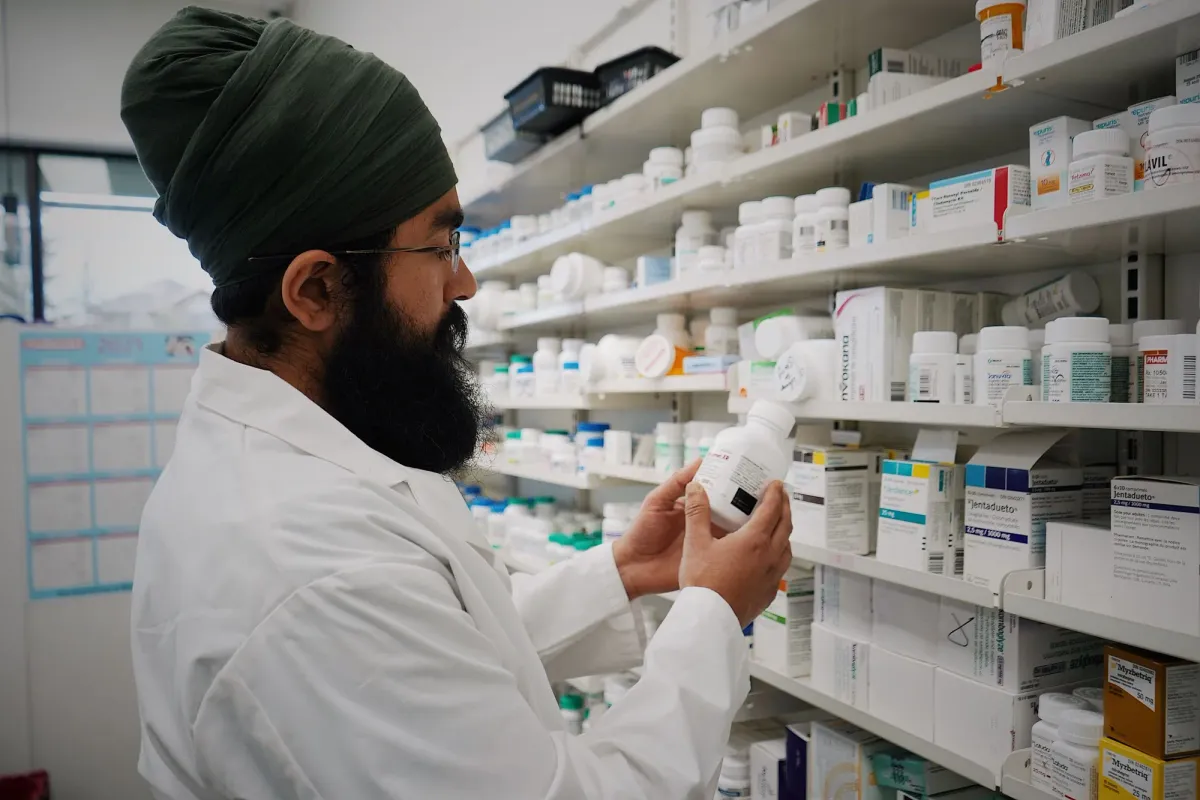
An OPD pharmacy counter on a busy morning is one of the most demanding places in a hospital. A queue that will not wait, prescriptions written in a hurry, and every sale has to be right: the right drug, the right batch, the right price and the right GST. Here is how we think about designing for it.
Start from the prescription, not from a blank bill
The slowest counters are the ones that re-type the prescription. When the doctor's e-prescription reaches the pharmacy on the same record, the pharmacist starts with the drugs, doses and quantities already there, and only confirms and adjusts. Fewer keystrokes means fewer errors and a shorter queue.
Pick the batch that should go first
Stock that expires first should usually be sold first. The system should suggest the batch with the earliest expiry, show its expiry date clearly, and refuse to sell an expired batch. The pharmacist can override the suggestion, but has to choose to.
Make substitution explicit
When the prescribed brand is out of stock, the pharmacist may offer a substitute where your policy allows it. The substitute should be recorded against the original prescription, so the doctor and the patient's record both show what was actually given.
Get price and tax right without thinking
Prices, discounts and GST should come from the item master, not from memory. The bill should show HSN codes and the GST split correctly, so the invoice is right the first time and the books close cleanly at the end of the day.
Design for the queue
- Everything on one screen: patient, prescription, batches and bill.
- Keyboard first: a pharmacist should be able to finish a routine sale without the mouse.
- Clear states: dispensed, partly dispensed (with what is still owed), or returned.
- Payment by cash, card or UPI without leaving the screen.
Close the loop
Every sale updates stock as it happens, so reorder levels, near-expiry lists and the day's closing are always current. Returns go back into the right batch.
In Carexa OS
Carexa's pharmacy covers inpatient and outpatient dispensing with batches and expiry, on the same record as the doctor's e-prescription, with GST-ready invoices. See all pharmacy features.